


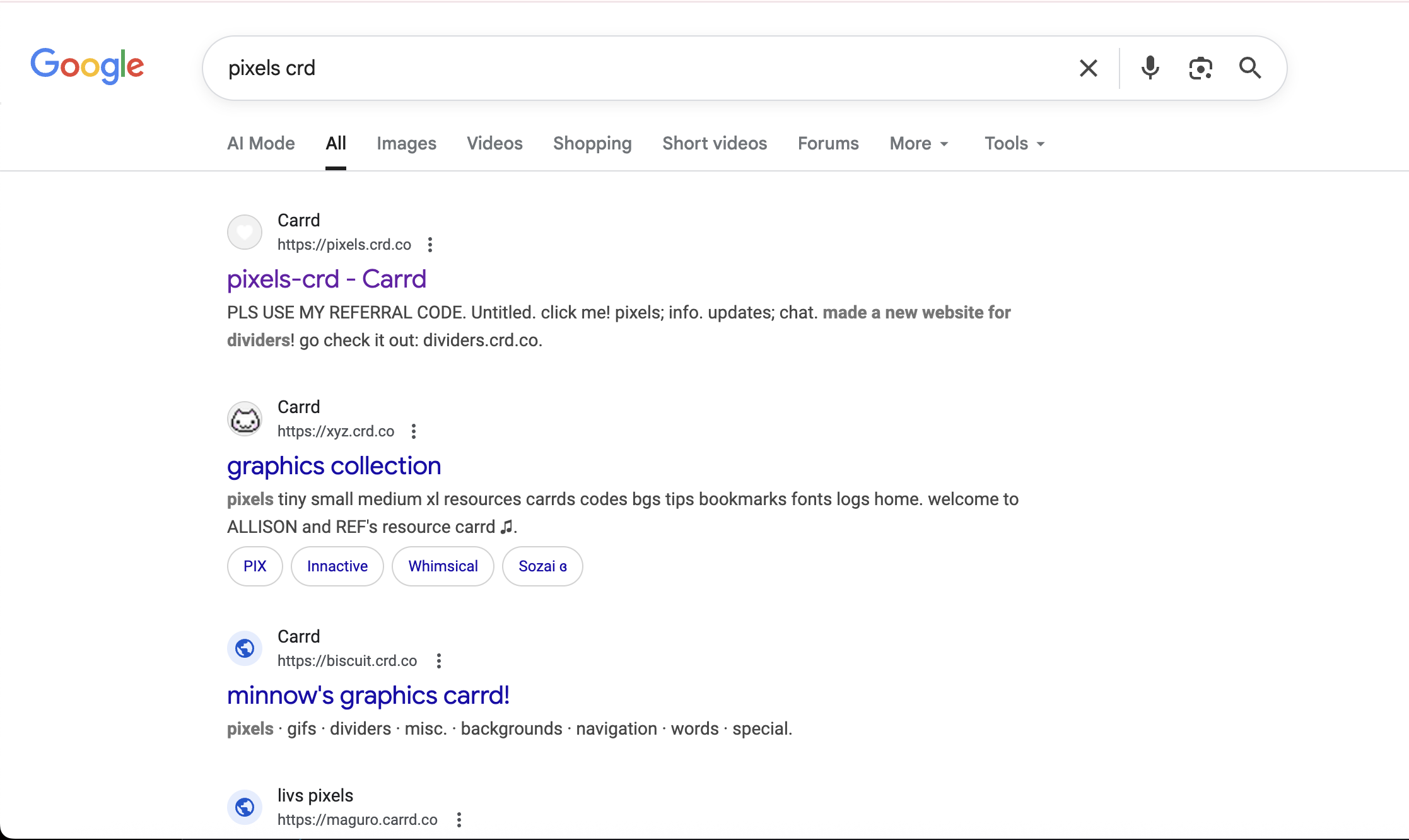
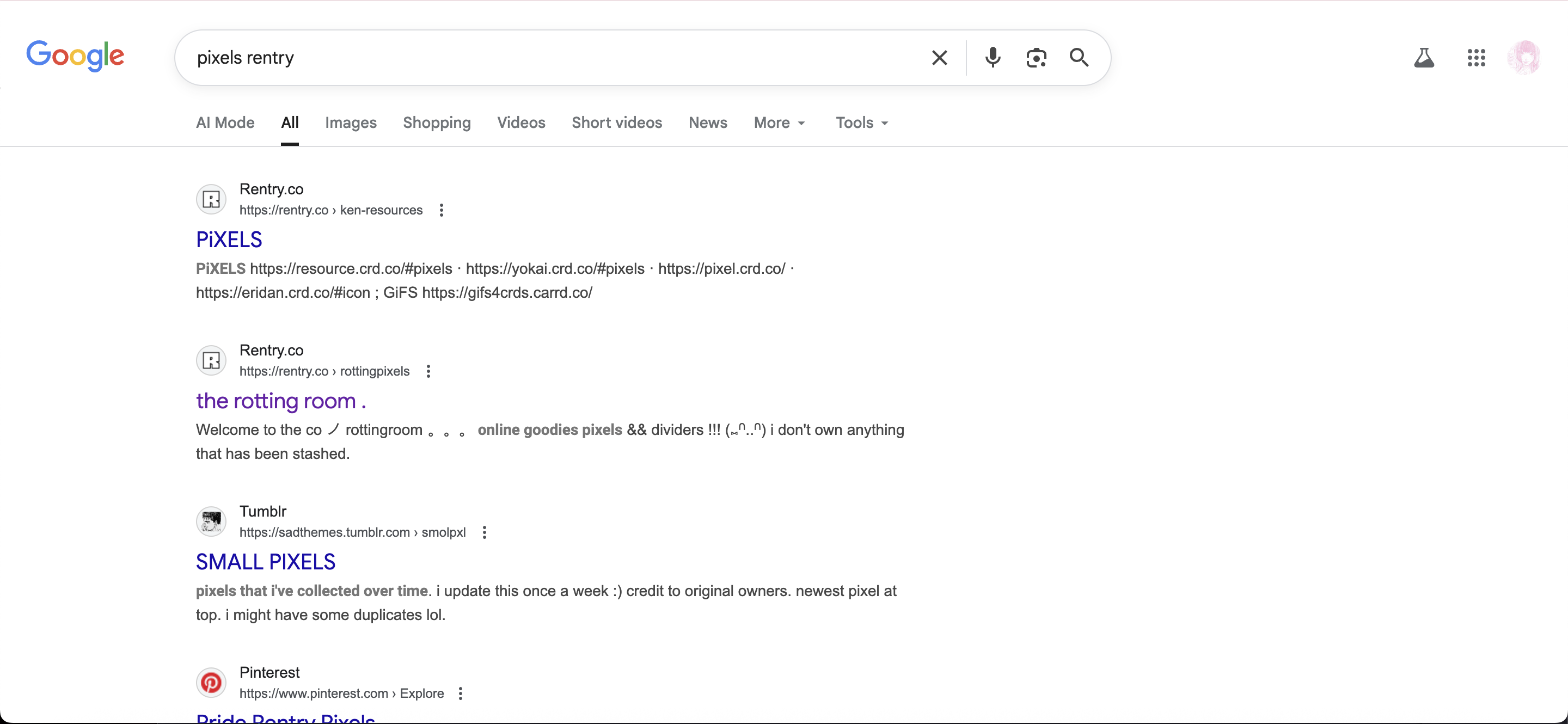
step 1: search up for pixel resources. main keywords that i use are "pixels crd" and "pixels" rentry
step 2:
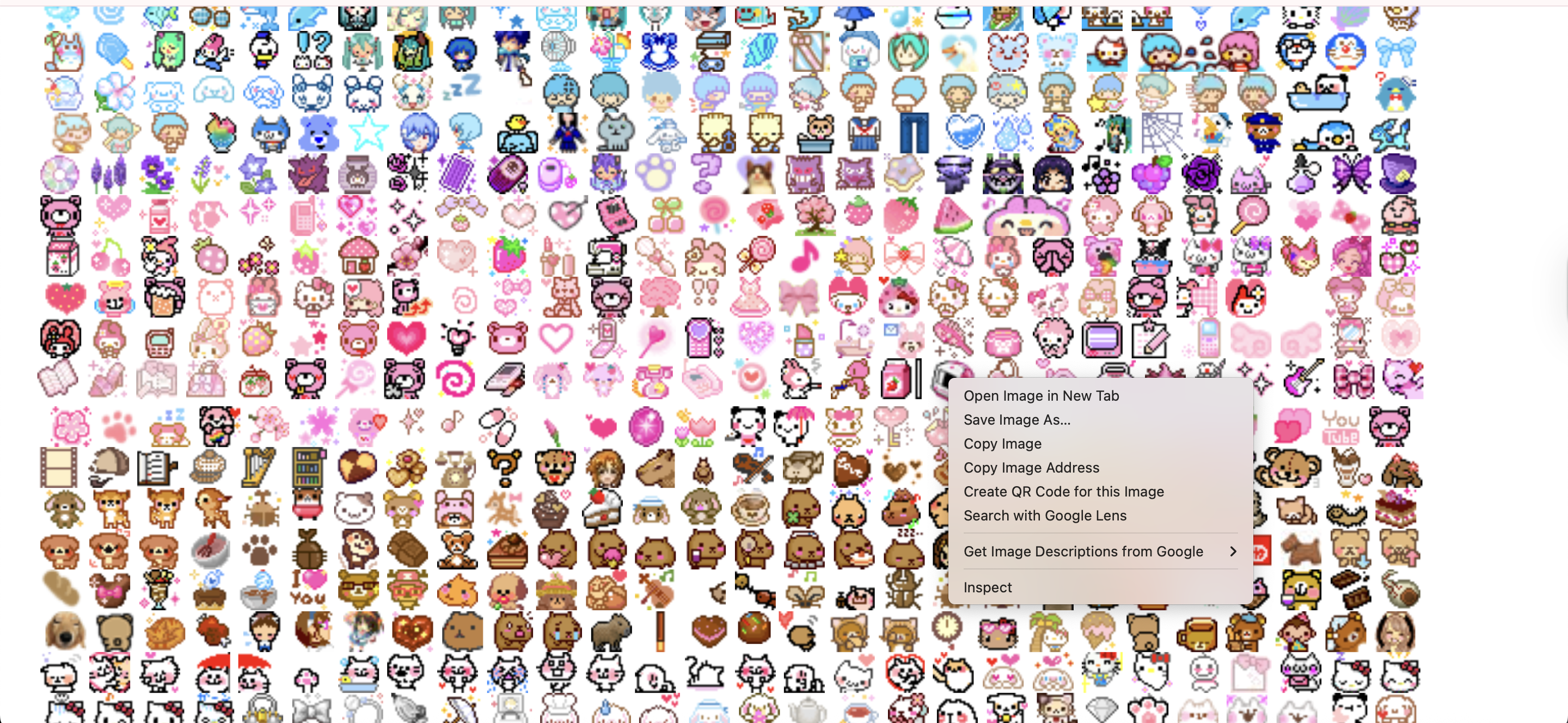
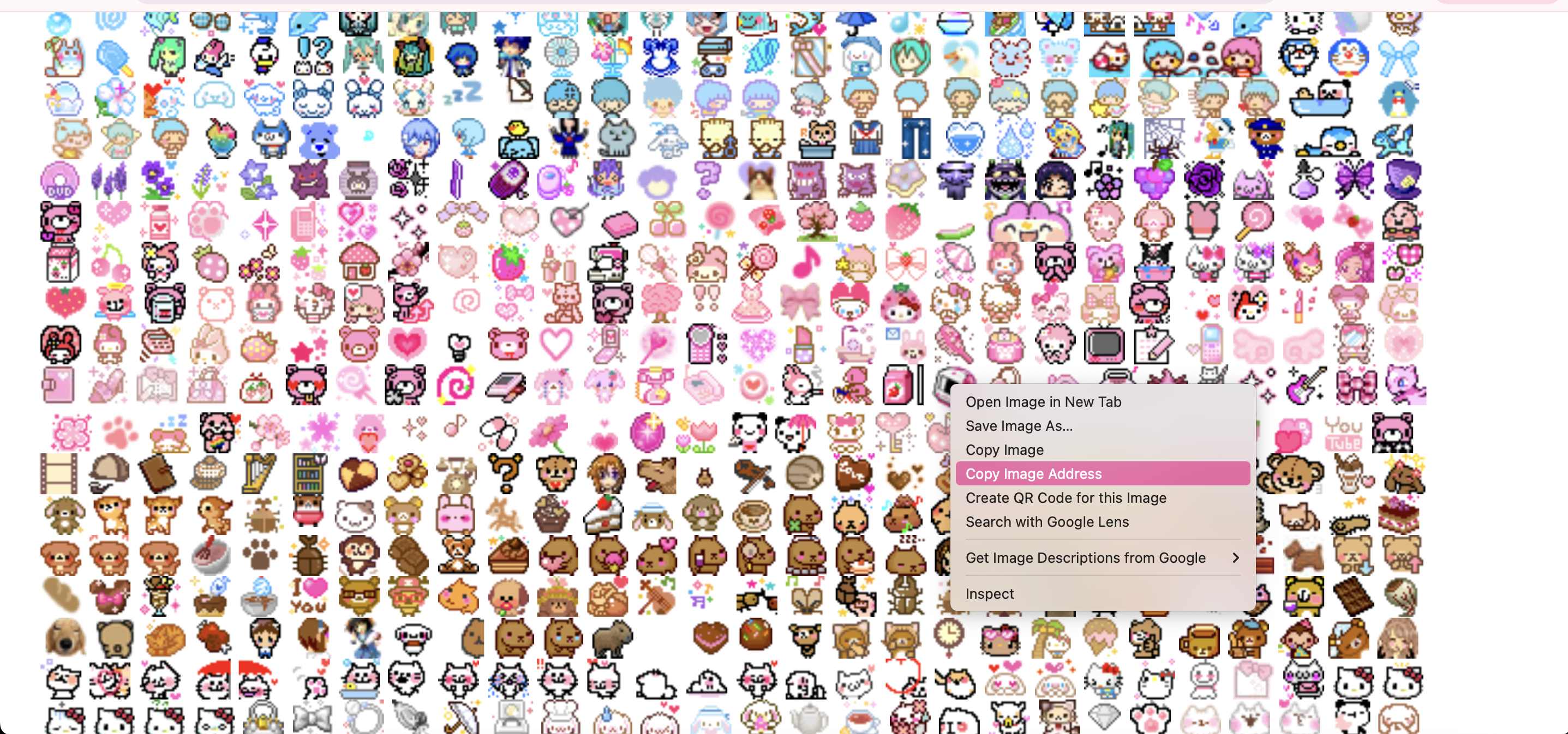
click on a website. the one i'm currently in is pixels.crd. for (inferior /j) touchpad
users (like me), simultaneously use two fingers to click on the pixel you want. however for (superior /hj) mouse users, left click
or something to achieve the same effect (or right. idk i'm not a mouse user vrodie vroski vrochahco  )
if you did it right, theres gonna be a context menu that pops up, so click on "copy image address".
)
if you did it right, theres gonna be a context menu that pops up, so click on "copy image address".

WARNING: WAIT THOUGH!!!! don't go ahead and do this!!!!!!! this is called HOTLINKING, and this is cyber bad manners. (well how did i know that? oh uh... heh... i almost hotlinked some of my pixels in my personal website, but i was stupid and didn't know... DON'T BE LIKE ME)
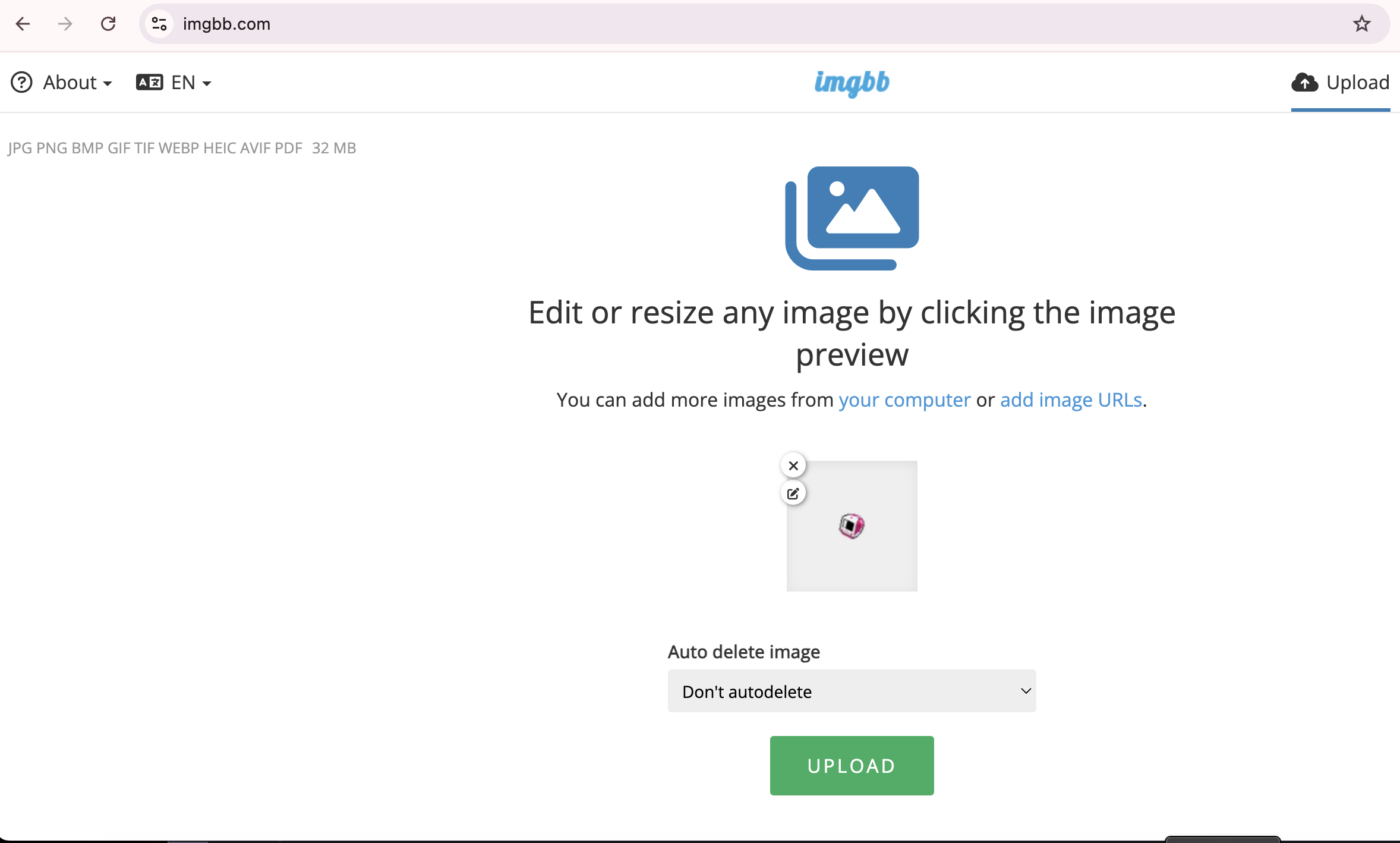
step 3/part 1: instead, go to an image hosting website like imgbb and paste the link you copied. it will automatically upload the image in the HTML full linked version (if that doesn't show up, then click the menu underneath embed codes. HTML full linked version should appear there. click it)
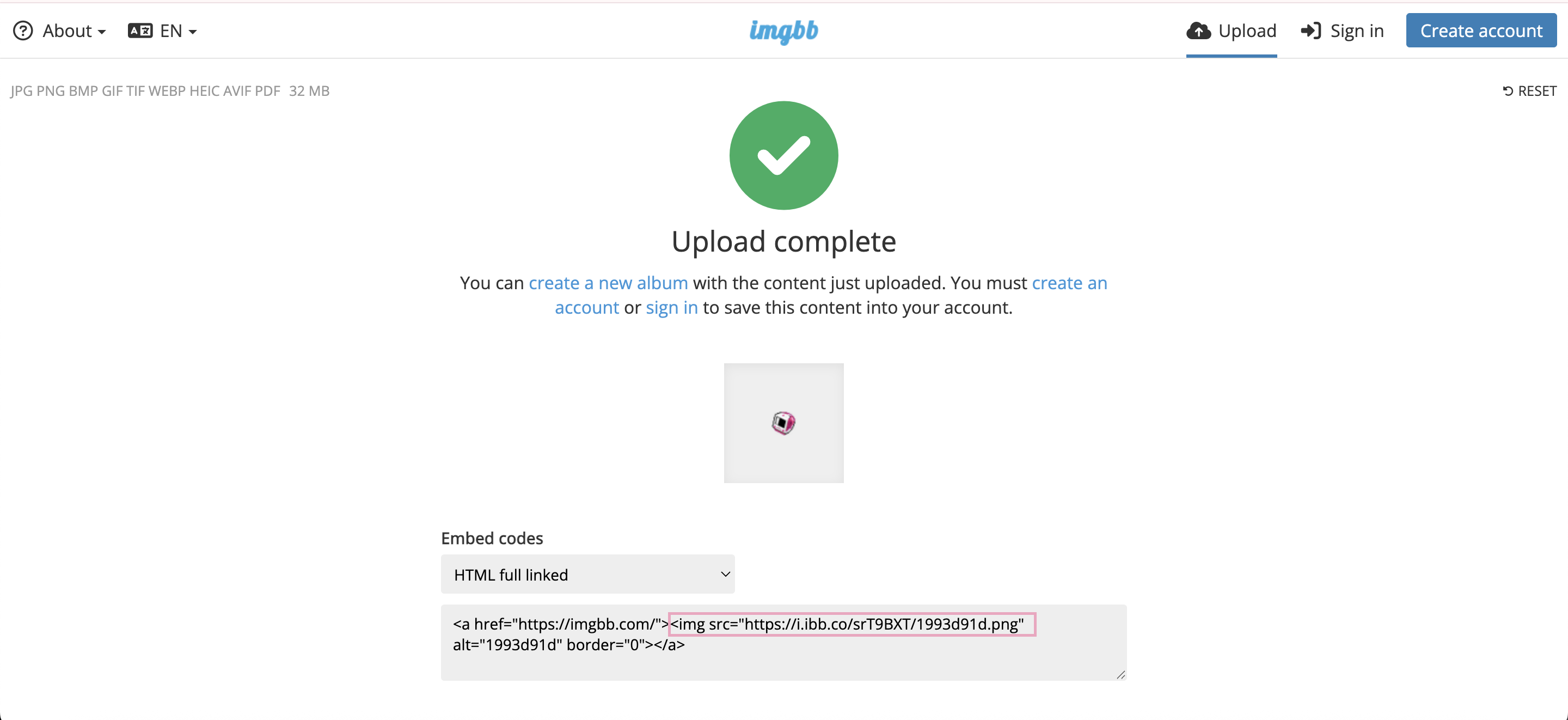
step 3/part 2: copy this section of the link, from "greater than symbol + "img" to ".gif," as boxed in pink

step 3/part 3: NOW paste this section of the link into your code. Add alt = "" because pixels are purely decorative (that makes the alt text reader skip over it and onto yout other text) and then the ">" at the end to close the statement.

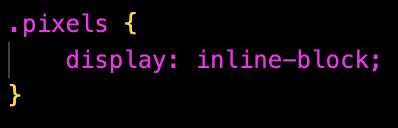
addtiional note: by default, the pixels will display as block, meaning that they will appear under your text. if that's your intention, keep it like this, OR
define your img class as whatever you want (i chose pixels) and in CSS, enter the class name and display: inline-block. If you want to add more pixels like that, put them in
the same class.


AND YOU'RE DONE!!!! Now you're an alpha like me (I'm still better though /j)
scroll up/down if needed! plus you can also click the circles to navigate :p